A 50-SKU D2C brand needs at least 750 product images across its website, marketplace listings, and ad creatives. At traditional studio rates in India, that's ₹2-4 lakhs just for the initial shoot. And then you're back in the studio every time you launch a new variant, run a seasonal campaign, or refresh your Meta ads.
Most D2C founders know their product images aren't good enough. They also know a ₹3 lakh photoshoot doesn't fit into a brand that's still figuring out unit economics. So they compromise. And the listing looks like it was shot on an iPhone in a hostel room. Which, honestly, it probably was.
At MARKTECH., AI product photography is part of how we think about creative production for D2C brands. Not because AI replaces real photography entirely, but because it solves the volume and cost problem that traditional shoots can't.
TL;DR
- →A 50-SKU brand needs 750+ product images across channels, costing ₹2-4L via traditional photography
- →75% of online shoppers rely primarily on product photos when making a purchase decision
- →AI product photography works best as a hybrid: real product photo (even a phone shot) + AI-generated backgrounds and scenes
- →The best AI tools for D2C product photos right now are Photoroom (catalog), Pebblely (lifestyle), and n8n workflows (advanced)
- →AI can't accurately reproduce your exact product from scratch. That's fine, because it doesn't need to
What AI Product Photography Actually Means
AI product photography is the process of using AI tools to generate, enhance, or composite product images for ecommerce and advertising.
It doesn't mean typing "photo of a moisturizer on a marble countertop" into Midjourney and using whatever comes out. That approach gives you a beautiful image of a moisturizer that looks nothing like yours.
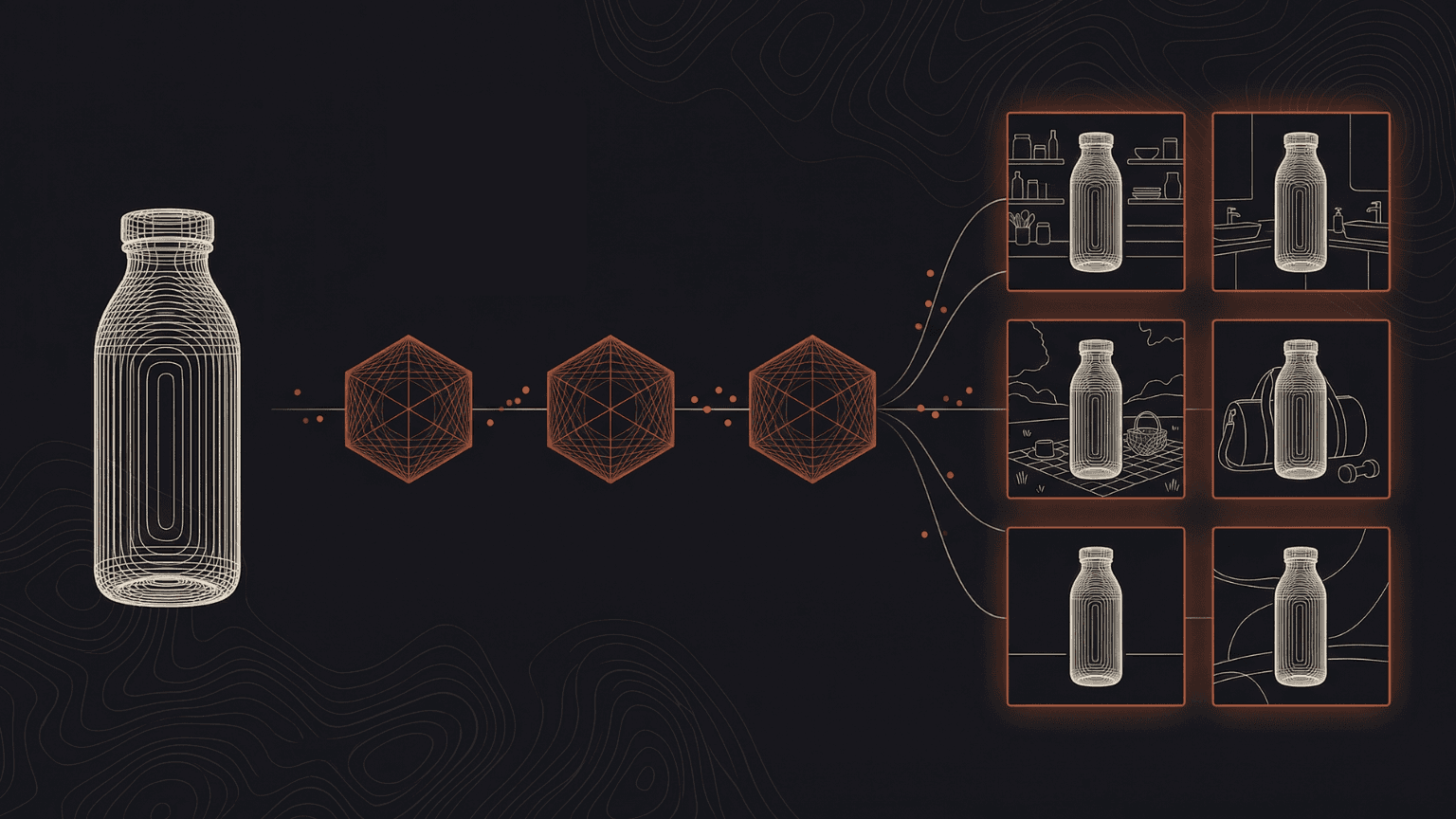
The real workflow is more practical than that. You start with a real photo of your actual product, even a basic one taken on your phone against a white background, and then use AI to do everything around it. Remove the background, place it in a lifestyle scene, generate multiple variations for ad testing, and produce the 8-12 listing images per SKU that modern ecommerce demands.
This distinction matters because the founders who try AI product photography and get disappointed almost always made the same mistake: they tried to generate the product itself instead of using AI to build the world around it.
Why Traditional Product Photography Doesn't Scale for D2C
The math is straightforward and it works against you.
A mid-range product shoot in India costs ₹500-1,500 per product for catalog shots with basic styling. Add lifestyle shots and you're at ₹1,500-5,000 per product. A freelance photographer charges ₹10,000-25,000 per day. Studio rental in Mumbai or Bangalore runs ₹5,000-15,000 per hour. Post-production retouching adds another ₹100-500 per image.
But the real cost isn't the shoot itself. It's these three things:
The recurring cost. Every new SKU, every seasonal refresh, every ad creative rotation means going back to the studio. A brand launching 10 new products a quarter is looking at 4 shoots per year minimum.
The time cost. Booking a studio, shipping samples, coordinating a photographer, waiting for retouching. The typical turnaround is 2-3 weeks from brief to final images. If your competitor launches a similar product tomorrow, you can't respond with new creative for three weeks.
The volume gap. Traditional shoots produce maybe 5-8 great images per product. But Meta's algorithm wants 15-20 ad creative variations. Amazon allows up to 9 images per listing and recommends filling all slots. Your Instagram needs constant fresh content. A single shoot simply can't produce enough.
| Traditional Photography | AI-Assisted Photography | |
|---|---|---|
| Cost per image (catalog) | ₹500-1,500 | ₹50-200 |
| Cost per image (lifestyle) | ₹1,500-5,000 | ₹100-500 |
| Turnaround | 2-3 weeks | 2-3 days |
| Images per session | 5-8 per product | 10-20+ per product |
| New SKU cost | Full reshoot | Upload product photo, generate |
| Seasonal refresh | Full reshoot | New backgrounds, same product |
The AI Product Photography Workflow That Actually Works
The workflow that produces usable results isn't about replacing your photographer. It's about building a system where one good product photo becomes 20+ variations.
Step 1: Capture a clean product photo
You don't need a studio for this. A phone camera, a white posterboard, and natural window light gets you 80% of the way there. The goal is a sharp, well-lit image of your actual product with a clean background. Spend 10 minutes per product, not 10 thousand rupees.
Step 2: Remove and replace the background
Tools like Photoroom or remove.bg can strip the background in seconds. From there you have a clean product cutout that becomes the foundation for everything else.
Step 3: Generate lifestyle scenes
This is where AI earns its keep.
For quick results, tools like Pebblely and Flair.ai take your product cutout and place it into AI-generated scenes. For higher quality, use Stable Diffusion or Flux with your product cutout as a ControlNet reference, and generate the scene around it. You can also use Midjourney to create the perfect background scene first, then composite your real product into it.
Any of these approaches gives you 10-15 scene variations in the time it takes to set up one physical scene in a studio.
Step 4: Create ad creative variations
Take your best lifestyle shots and use them as base images for ad creatives. Use Claude or Gemini to generate 30-50 prompt variations from a single creative brief, then batch-produce the images through your generation pipeline.
Different crops, different text overlays, different color backgrounds. This is where the volume advantage becomes real: instead of running 3 ad creatives until they die of fatigue, you're testing 15-20 and rotating weekly.
Step 5: Batch process for marketplaces
For Amazon and Flipkart, you still need clean white-background shots as your main image (marketplace rules). Use the original product photos with AI-enhanced lighting and shadows. For supplementary images (slots 2-7 on Amazon), use the AI-generated lifestyle and infographic images.
Need a system that turns one product photo into 20+ ad-ready images? That's what we build at MARKTECH. Talk to us.
Which AI Tools to Use (and When)
Not every tool works for every job. The real power comes from combining them.
For catalog/white-background shots: Photoroom is the fastest option right now. It handles background removal, shadow generation, and batch processing for large SKU counts. If you have 50 products and need clean catalog shots fast, this is where you start.
For lifestyle/contextual scenes: Pebblely and Flair.ai are built specifically for this. You upload your product photo and they generate scenes around it. Pebblely is simpler and faster. Flair.ai gives you more control over brand styling. Both cost significantly less than a styled photoshoot.
For automation (connecting everything together): n8n is what turns a collection of tools into an actual production system. A typical workflow: new product added to your Shopify store triggers n8n to pull the product image, run it through background removal, generate 5 lifestyle scenes via Stable Diffusion, resize for different placements (Meta feed, Stories, Amazon listing), and upload the final images back to your product listing.
What used to take a photographer, a retoucher, and a project manager now runs on a single automated pipeline.
For ad creative variations at volume: This is where a studio like MARKTECH. builds production systems by integrating multiple image generation models, automation tools, and AI assistants into a single pipeline. No single tool handles the full flow from product photo to campaign-ready ad creative. The value is in the system that connects them.
What to use carefully: Midjourney, Flux, or nano-banana are great for generating concepts and mood boards, but they can't accurately reproduce YOUR specific product from a text description alone. The colors shift, logos get garbled, details go missing. The fix isn't to avoid them entirely. It's to use them for scene and background generation while keeping your real product photo as the anchor through compositing tools like ComfyUI.
What You Still Need a Real Photo For
You need one clean photo of your actual product. That's it. A phone camera, a white posterboard, decent lighting. This gives AI the reference it needs to know exactly what your product looks like: the colors, proportions, logo placement, and texture.
Everything after that first capture can be AI. Backgrounds, lifestyle scenes, ad variations, seasonal campaigns, marketplace images, social content.
The catch isn't the technology. It's the skill gap. Someone using Photoroom's auto-generate button will get decent results. Someone running ComfyUI pipelines with Stable Diffusion or Flux, ControlNet, IP-Adapter, and a model fine-tuned on your product photos will get results that are genuinely indistinguishable from a ₹50,000 studio shoot.
Add Claude for prompt generation, n8n for automation, and Midjourney for background concepts, and you have a full production system. The tools can do it, but most people don't know how to connect them into a working pipeline.
Where beginners hit walls
Reflective or transparent products (glass bottles, metallic surfaces, jewelry) are harder to get right with basic AI tools because reflections require understanding of light physics. The fix: use reference-based generation with ControlNet depth maps rather than text-to-image prompts.
Consistency across a full catalog feels random when you're generating images one at a time. The fix: build a template workflow in ComfyUI that locks your lighting, camera angle, and scene setup, then batch-process every SKU through the same pipeline.
On-body and model shots are the most technically demanding use case for AI. The results are getting better fast, but if your brand relies heavily on model photography (fashion, beauty, fitness), this is the one area where the investment in a real shoot still pays off for most brands.
The honest framework: capture one real photo per product, then let AI do everything else.